
Description
🔧 Waveshare 7 Inch LCD Screen – Premium High-Resolution Capacitive Touchscreen Display
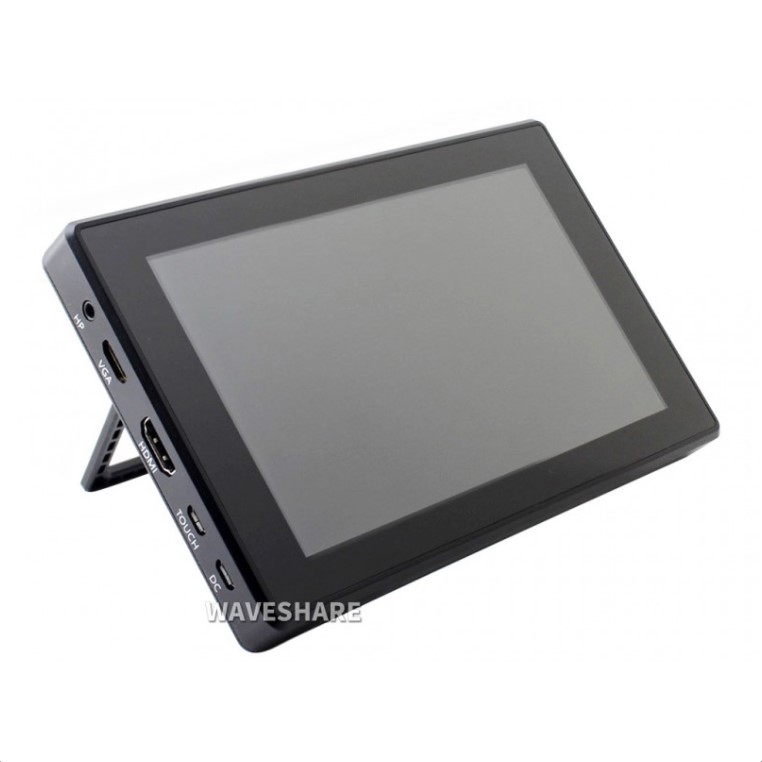
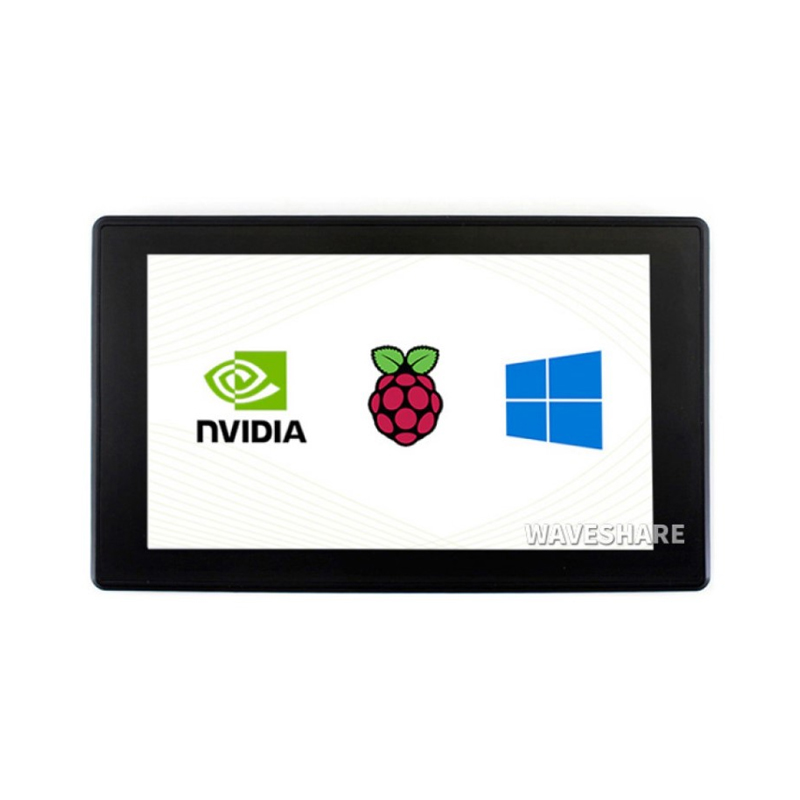
The Waveshare 7 Inch LCD Screen is a premium high-resolution capacitive touchscreen display featuring 1024×600 pixel resolution with vibrant colors and professional-grade multi-touch capabilities. Manufactured by Waveshare, a leading display technology company, this screen is available in multiple interface options including HDMI, DSI, and USB-powered variants, all designed specifically for Raspberry Pi but compatible with various platforms. Featuring IPS display technology for wide 178° viewing angles, capacitive multi-touch (up to 10 points), excellent brightness (up to 500 cd/m²), and plug-and-play HDMI connectivity, this display is perfect for Raspberry Pi projects, desktop applications, multimedia centers, industrial HMI, professional dashboards, gaming consoles, and embedded systems requiring a large, high-quality touchscreen interface. Represents the gold standard for Raspberry Pi displays.
✨ Key Highlights
- 📺 Large 7″ Display – 1024×600 pixel resolution (614,400 pixels)
- 🎨 IPS Technology – 178° viewing angle, superior color reproduction
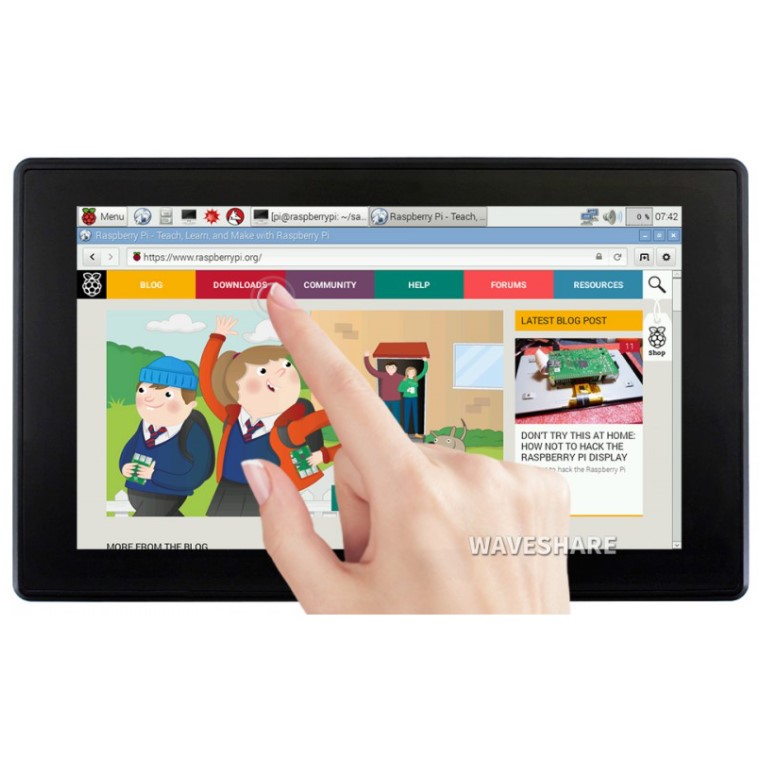
- 👆 Capacitive Multi-Touch – 10-point touch, highly responsive
- 🔌 HDMI Interface – Plug-and-play with Raspberry Pi, PC, laptops
- 📊 High Resolution – 1024×600 WSVGA, crisp text and graphics
- ⚡ USB Powered – Can be powered from Raspberry Pi or USB (model dependent)
- 💡 High Brightness – Up to 500 cd/m², excellent visibility
- 🏭 Professional Grade – Waveshare quality, reliable performance
- 📦 Complete Package – Includes cables, standoffs, documentation
- 💰 Premium Quality – $50-90, best large Pi display available
📊 Technical Specifications
| 📺 Display Type | TFT LCD with IPS (In-Plane Switching) technology |
| 📏 Screen Size | 7.0 inch diagonal (~178mm) |
| 📊 Resolution | 1024×600 pixels (WSVGA, 614,400 total) |
| 📐 Active Area | ~154.08×85.92mm display area |
| 🎨 Color Depth | 16.7M colors (24-bit RGB, 8-8-8) |
| 💻 Display Technology | IPS LCD for wide viewing angles |
| 👆 Touch Type | Capacitive multi-touch (up to 10 points) |
| 📡 Interface Options | HDMI (Type A), DSI, or USB (varies by model) |
| ⚡ Operating Voltage | 5V DC via micro USB or GPIO |
| 🔋 Current Draw | ~500-700mA @ 5V (typical operation) |
| 💡 Backlight | White LED, brightness adjustable via software |
| 💡 Brightness | ~300-500 cd/m² (varies by model) |
| 👁️ Viewing Angle | 178° horizontal / 178° vertical (IPS) |
| 📊 Contrast Ratio | 800:1 (typical IPS) |
| 🌡️ Operating Temp | 0°C to +50°C (standard), -20°C to +70°C (industrial) |
| 📏 Module Size | ~165×100×6mm (varies by model) |
| ⚖️ Weight | ~200-300 grams |
🔌 Available Models & Variants
| 7″ HDMI LCD (H) | HDMI input, USB touch, most popular, works with Pi/PC |
| 7″ HDMI LCD (C) | HDMI + capacitive touch, standalone controller board |
| 7″ DSI LCD | DSI connector (like official Pi display), GPIO power |
| 7″ IPS LCD | Premium IPS panel, superior viewing angles |
| 7″ Rev 2.1 | Latest revision with improved backlight control |
🎯 Perfect For
- 🐧 Raspberry Pi Desktop – Full desktop replacement, portable workstation
- 🎮 RetroPie Gaming – Large screen for retro gaming consoles
- 📺 Media Centers – Kodi, Plex, streaming device displays
- 🏠 Smart Home Control – Home Assistant, OpenHAB control panels
- 🏭 Industrial HMI – Machine control, process monitoring
- 📊 Data Dashboards – Real-time monitoring, analytics displays
- 🤖 Robotics – Robot control interface, camera feed display
- 💻 Portable Computers – DIY laptop/tablet projects with Pi
🆚 Waveshare 7″ vs Other Displays
| Feature | Waveshare 7″ HDMI | Official Pi 7″ Touch | Generic 5″ HDMI |
| Screen Size | ✅ 7″ diagonal | ✅ 7″ diagonal | 5″ diagonal |
| Resolution | ✅ 1024×600 pixels | 800×480 pixels | 800×480 pixels |
| Display Tech | ✅ IPS (wide angle) | TN (limited angle) | TN (limited angle) |
| Touch Type | ✅ Capacitive (10-point) | Capacitive (10-point) | Resistive (1-point) |
| Brightness | ✅ 300-500 cd/m² | ~300 cd/m² | ~250 cd/m² |
| Connection | ✅ HDMI + USB touch | DSI + GPIO power | HDMI + USB/GPIO |
| HDMI Free | ⚠️ No (uses HDMI) | ✅ Yes (uses DSI) | ⚠️ No (uses HDMI) |
| Price | $60-85 | $60-80 | $25-50 |
✅ Key Advantages
- 📊 High Resolution – 1024×600 pixels for sharp text and graphics
- 👁️ IPS Display – 178° viewing angle, no color shift from sides
- 👆 10-Point Touch – Highly responsive capacitive multi-touch
- 🔌 Plug & Play – HDMI connection, automatic detection
- 💡 High Brightness – Up to 500 cd/m², clear in bright environments
- 🏭 Waveshare Quality – Premium build, reliable performance
- 📦 Complete Package – Includes all cables and hardware
- 💻 Universal Compatibility – Works with Pi, PC, laptops, consoles
- 🔧 Adjustable Brightness – Software control via PWM
- 📚 Excellent Documentation – Detailed wiki, driver support
⚠️ Important Limitations
- 🔌 HDMI Required – Uses Raspberry Pi’s HDMI port (DSI model available)
- ⚡ Power Hungry – ~500-700mA, requires adequate PSU (3A recommended)
- 💰 Premium Price – More expensive than generic displays
- 📏 Large Footprint – ~165×100mm, requires mounting space
- ⚖️ Heavier – ~200-300g, consider weight in portable builds
- 🔧 Mounting Required – Needs case or mounting solution
- 📦 Not All-in-One – Separate driver board (some models)
🔧 Raspberry Pi Connection (HDMI Model)
| Connection | Pi Port | Cable |
| Video Signal | HDMI port | Micro HDMI to HDMI (Pi 4) or standard HDMI (Pi 3) |
| Touch Data | USB port | USB-A to Micro USB cable (included) |
| Display Power | Micro USB (on display) | Power from Pi GPIO or separate PSU |
| Alternative Power | GPIO 5V pins | Jumper wires (not recommended for Pi 4) |
🐧 Raspberry Pi Setup & Configuration
| Configuration for 1024×600 Resolution | |
|
# Edit /boot/config.txt sudo nano /boot/config.txt # Add or modify these lines: # Force HDMI mode # Set HDMI group # Set HDMI mode for 1024×600 # Custom CVT timing # Disable overscan # Optional: Rotate display # Save (Ctrl+X, Y, Enter) and reboot |
👆 Touch Calibration (If Needed)
| Installing and Running Touch Calibration | |
|
# Install calibration tool sudo apt-get update sudo apt-get install xinput-calibrator # Run calibration # Follow on-screen instructions # Save calibration data to: # Paste the calibration output from xinput_calibrator |
🎨 Display Capabilities
| Desktop Resolution | 1024×600 perfect for Raspbian desktop, web browsing |
| Text Display | ~128 chars × 37 lines (8×16 font), crisp readable text |
| Video Playback | 720p video playback, HD content supported |
| Gaming | Perfect for RetroPie, retro consoles, emulation |
| GUI Applications | Full desktop apps, LibreOffice, browsers, IDEs |
| Multi-Touch | Pinch-to-zoom, gestures, multi-finger input |
| Color Accuracy | 16.7M colors, excellent for photo/video editing |
🎓 Example Projects
- 💻 Pi Desktop Replacement – Full Linux desktop, coding, browsing
- 🎮 Retro Gaming Station – RetroPie with large display, arcade cabinet
- 📺 Media Center – Kodi/LibreELEC bedroom/kitchen display
- 🏠 Home Automation Hub – Home Assistant wall-mounted control panel
- 📊 Network Monitor – Pi-hole stats, bandwidth monitoring, Grafana
- 🤖 Robot Control Panel – ROS interface, camera feeds, telemetry
- 📸 Smart Photo Frame – High-res slideshow, cloud sync, smart display
- 💼 Portable Workstation – DIY laptop/tablet with keyboard
🔍 Troubleshooting Guide
| No Display | Check HDMI cable, verify config.txt settings, try different HDMI port |
| Wrong Resolution | Edit config.txt with correct hdmi_cvt=1024 600 60 6 0 0 0 |
| Touch Not Working | Check USB cable connected, verify lsusb shows touch device |
| Touch Offset/Inaccurate | Run xinput_calibrator to calibrate touchscreen |
| Display Too Dim | Adjust brightness: echo 255 > /sys/class/backlight/*/brightness |
| Flickering/Unstable | Inadequate power – use 5V 3A PSU, not underpowered adapter |
| Inverted Colors | Check config_hdmi_boost setting, try config_hdmi_boost=4 |
| Backlight Always On | Normal – managed by OS, use dpms settings for auto-off |
💡 Pro Tips for Waveshare 7″ Display
- ⚡ Use 3A Power Supply – Pi 4 + display draws ~1.2-1.5A total
- 🔧 Boot to Desktop – raspi-config → Boot → Desktop Autologin
- 📊 Virtual Keyboard – Install matchbox-keyboard for touch typing
- 🎮 RetroPie Perfect – 1024×600 great for emulation, 16:10 aspect
- 💻 Use Chromium – Hardware acceleration enabled for smooth browsing
- 📦 Get a Case – SmartiPi Touch 2 or similar for clean mounting
- 🔋 Battery Power – Use UPS HAT for portable projects
- 📏 Orientation – Landscape default, portrait possible with rotation
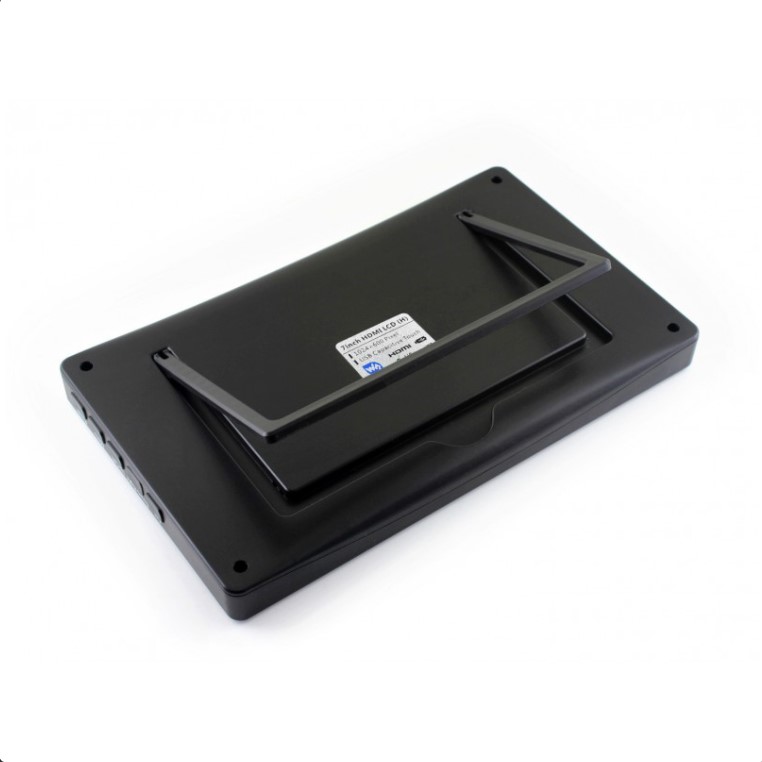
📦 Package Contents (Typical Waveshare 7″ HDMI)
- ✅ 1x 7″ IPS LCD display panel (1024×600)
- ✅ 1x HDMI driver board with capacitive touch controller
- ✅ 1x HDMI to HDMI cable (standard or mini/micro adapters)
- ✅ 1x USB-A to Micro USB cable (touch data)
- ✅ 1x Micro USB power cable
- ✅ 4x M2.5 mounting screws and standoffs
- ✅ User manual and documentation (English + Chinese)
- ⚠️ Note: Raspberry Pi not included
- ⚠️ Note: Power supply sold separately (5V 3A recommended)
- ⚠️ Note: Case/enclosure sold separately
🔋 Power Consumption
| Display Only (Full Brightness) | ~500-700mA @ 5V (~2.5-3.5W) |
| Display (50% Brightness) | ~300-400mA @ 5V (~1.5-2W) |
| Display + Pi 4B | ~500-700mA + ~600mA = ~1.1-1.3A total |
| Display + Pi 3B+ | ~500-700mA + ~400mA = ~0.9-1.1A total |
| Display + Pi Zero 2 W | ~500-700mA + ~200mA = ~0.7-0.9A total |
| Recommended PSU | 5V 3A official Raspberry Pi power supply |
💰 Pricing & Variants
| 7″ HDMI LCD (H) Rev 2.1 | $60-75 (most popular, latest revision) |
| 7″ HDMI LCD (C) with Case | $75-90 (includes acrylic case) |
| 7″ DSI LCD | $55-70 (DSI connector, like official) |
| 7″ IPS 1024×600 | $65-85 (premium IPS panel) |
| Official Pi 7″ Touch | $60-80 (comparison – lower resolution) |
🔧 Compatible Raspberry Pi Models
- ✅ Raspberry Pi 4 Model B – Fully compatible (use micro HDMI adapter)
- ✅ Raspberry Pi 3B+ – Fully compatible (standard HDMI)
- ✅ Raspberry Pi 3B – Fully compatible (standard HDMI)
- ✅ Raspberry Pi 2B – Compatible (standard HDMI)
- ✅ Raspberry Pi Zero 2 W – Compatible (mini HDMI adapter needed)
- ✅ Raspberry Pi Zero W – Compatible (mini HDMI, may be slow)
- ✅ Raspberry Pi 400 – Compatible (built-in keyboard PC)
- ⚠️ Note: Also works with PCs, laptops, consoles as HDMI monitor
📊 Resolution & Aspect Ratio
| Native Resolution | 1024×600 pixels (WSVGA) |
| Aspect Ratio | 16:9.4 (close to 16:10), widescreen format |
| Pixel Density | ~170 PPI (pixels per inch) |
| Pixel Pitch | ~0.15mm dot pitch |
| Optimal Viewing | 30-50cm distance for desktop use |
🎮 Gaming Performance
| RetroPie | ✅ Excellent – perfect size for retro gaming |
| NES/SNES/Genesis | ✅ Perfect – smooth 60fps gameplay |
| PlayStation 1 | ✅ Great – 1024×600 handles PS1 well |
| N64/Dreamcast | ✅ Good on Pi 4, playable on Pi 3 |
| Arcade (MAME) | ✅ Excellent – large screen perfect for arcade |
| Minecraft Pi | ✅ Playable – better on Pi 4 |
💻 Desktop Applications
- 🌐 Web Browsing – Chromium works well, 1024px width adequate
- 📝 Office Apps – LibreOffice usable, some toolbars may be cramped
- 💻 Programming – Geany, Thonny, VS Code (use zoom features)
- 🖼️ Photo Viewing – Image viewers work perfectly at this resolution
- 📊 Terminal – ~128×37 character terminal, excellent for CLI work
- 🎬 Video – 720p playback smooth, 1080p possible with hardware decode
🏭 Industrial & Commercial Use
| Operating Hours | ~50,000 hours backlight life (typical LED) |
| Vibration Resistance | Moderate – use shock mounting for high-vibration |
| Temperature Range | 0-50°C standard (extended models available) |
| Touch Durability | Capacitive glass surface, resistant to scratches |
| Panel Mounting | Compatible with industrial panel cutouts |
| EMI/EMC | Standard consumer grade (CE certified) |
📚 Software & OS Support
- ✅ Raspberry Pi OS – Full support, works out of box with config
- ✅ Ubuntu Desktop – Compatible with standard HDMI setup
- ✅ RetroPie – Perfect for gaming, automatic touch support
- ✅ Kodi/LibreELEC – Media center OS fully supported
- ✅ Home Assistant OS – Works as dashboard display
- ✅ Windows 10 IoT – Compatible as HDMI monitor
- ✅ Android – Works with Android TV boxes, tablets via HDMI
🔧 Advanced Features
- 💡 Backlight Control – PWM brightness adjustment via GPIO or software
- 🔊 Audio Support – HDMI audio pass-through to Pi audio output
- 📊 OSD Menu – On-screen display for brightness, contrast (some models)
- 🔄 Auto-Rotation – Software rotation support (0°/90°/180°/270°)
🖼️ Screensaver – DPMS support for automatic screen blanking - 📏 Custom Resolutions – Can configure non-standard resolutions
🛡️ Product Information
✅ Waveshare 7 Inch LCD Screen – Premium High-Resolution Capacitive Touchscreen
✅ Manufacturer: Waveshare Electronics (established Chinese display manufacturer)
✅ Display technology: TFT LCD with IPS (In-Plane Switching) for wide viewing
✅ Screen size: 7.0 inch diagonal (~178mm), Active area: ~154.08×85.92mm
✅ Resolution: 1024×600 pixels (WSVGA, 614,400 pixels total)
✅ Color depth: 16.7 million colors (24-bit RGB, 8-8-8 color)
✅ Touch: Capacitive multi-touch (up to 10 points), highly responsive glass surface
✅ Interface: HDMI video (Type A), USB touch data, Micro USB power
✅ Operating voltage: 5V DC via micro USB or GPIO 5V pins
✅ Current consumption: ~500-700mA @ 5V (backlight on full brightness)
✅ Backlight: White LED array, ~300-500 cd/m² brightness
✅ Viewing angle: 178° horizontal / 178° vertical (IPS technology)
✅ Contrast ratio: 800:1 typical (IPS panel)
✅ Module size: ~165×100×6mm, Weight: ~200-300 grams
✅ Operating temperature: 0°C to +50°C (industrial models -20°C to +70°C)⚠️ Important: Requires Raspberry Pi 5V 3A official power supply for stable operation. Pi 4: Use micro HDMI to HDMI adapter. Pi 3/2: Standard HDMI cable works directly. Configuration: Edit /boot/config.txt with hdmi_cvt=1024 600 60 6 0 0 0. Touch: Automatic USB HID, no drivers needed on modern OS. Calibration: Use xinput_calibrator if touch offset. HDMI uses Pi’s HDMI port (DSI model available to free HDMI). Power draw: Display ~500-700mA + Pi = total 1.1-1.5A (use 3A PSU). IPS advantage: 178° viewing angle vs 60-90° on TN displays. Capacitive touch: 10-point multi-touch, gestures, pinch-to-zoom. Resolution: 1024×600 perfect for Raspbian desktop, web browsing, RetroPie. Brightness: Adjustable via /sys/class/backlight/ or OSD buttons. Compatible: All Raspberry Pi models with HDMI, also works as PC/laptop monitor. Package includes: Display, HDMI cable, USB cable, power cable, mounting hardware, documentation. Waveshare wiki: Comprehensive setup guides at waveshare.com. Best for: Raspberry Pi desktop replacement, RetroPie, Kodi, Home Assistant, industrial HMI. Premium quality display – best large option for Raspberry Pi projects!
Related products
-
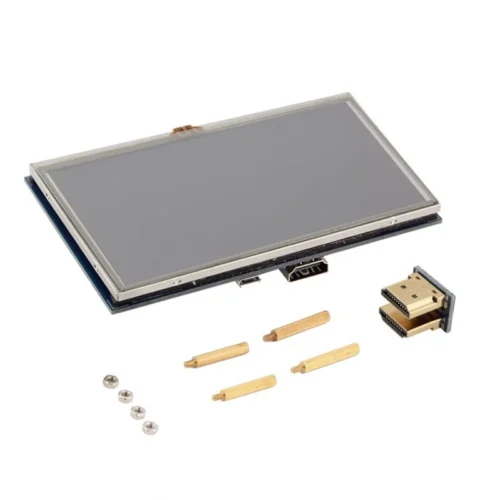
5 INCH TFT LCD DISPLAY
Original price was: ₹2,999.00.₹2,500.00Current price is: ₹2,500.00. Add to cart -
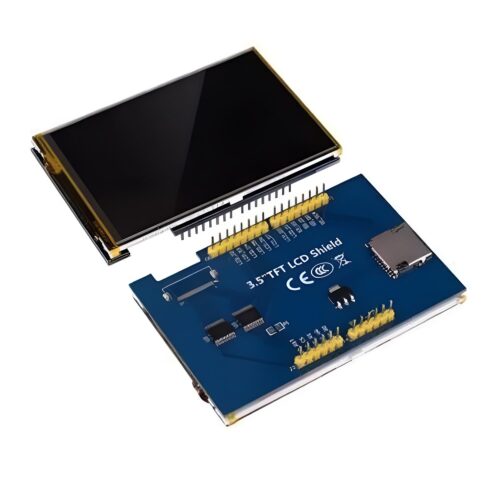
3.5 INCH TFT LCD SHEILD (FOR ARDUINO)
Original price was: ₹1,499.00.₹1,000.00Current price is: ₹1,000.00. Add to cart -
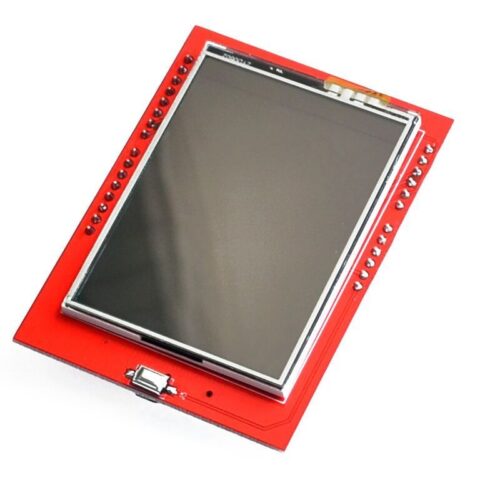
2.4 INCH TFT LCD SHEILD (FOR ARDUINO)
Original price was: ₹999.00.₹500.00Current price is: ₹500.00. Add to cart -
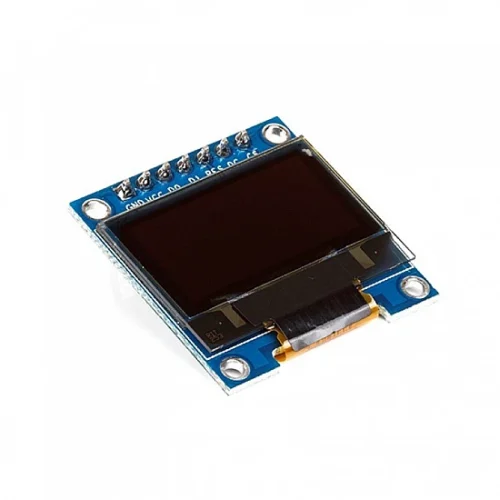
0.96 INCH O’LED DISPLAY (BLUE) 128×64
Original price was: ₹499.00.₹270.00Current price is: ₹270.00. Add to cart -

0.91 INCH-O’LED DISPLAY 128×32
Original price was: ₹399.00.₹200.00Current price is: ₹200.00. Add to cart
Recently Viewed
-

-

Sold out
Intel Core i9-12900K Processor
Original price was: ₹43,499.00.₹38,499.00Current price is: ₹38,499.00. Read more
Shopping Cart
